If you’re annoyed by the way AI content is sneaking into art, music, and books, I have great news for you. Libby has created settings specifically for users who want to limit AI content.
Step by Step
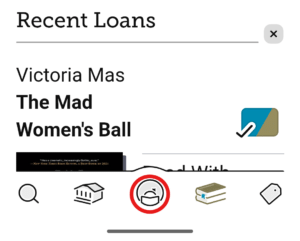
Open the Libby app and tap the settings icon in the center of the bottom menu.
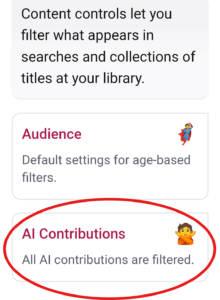
Scroll to Content Controls
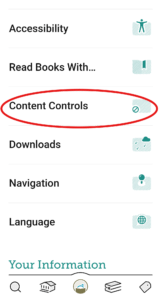
Tap AI Contributions
For each category, tap to set the level of AI allowed:
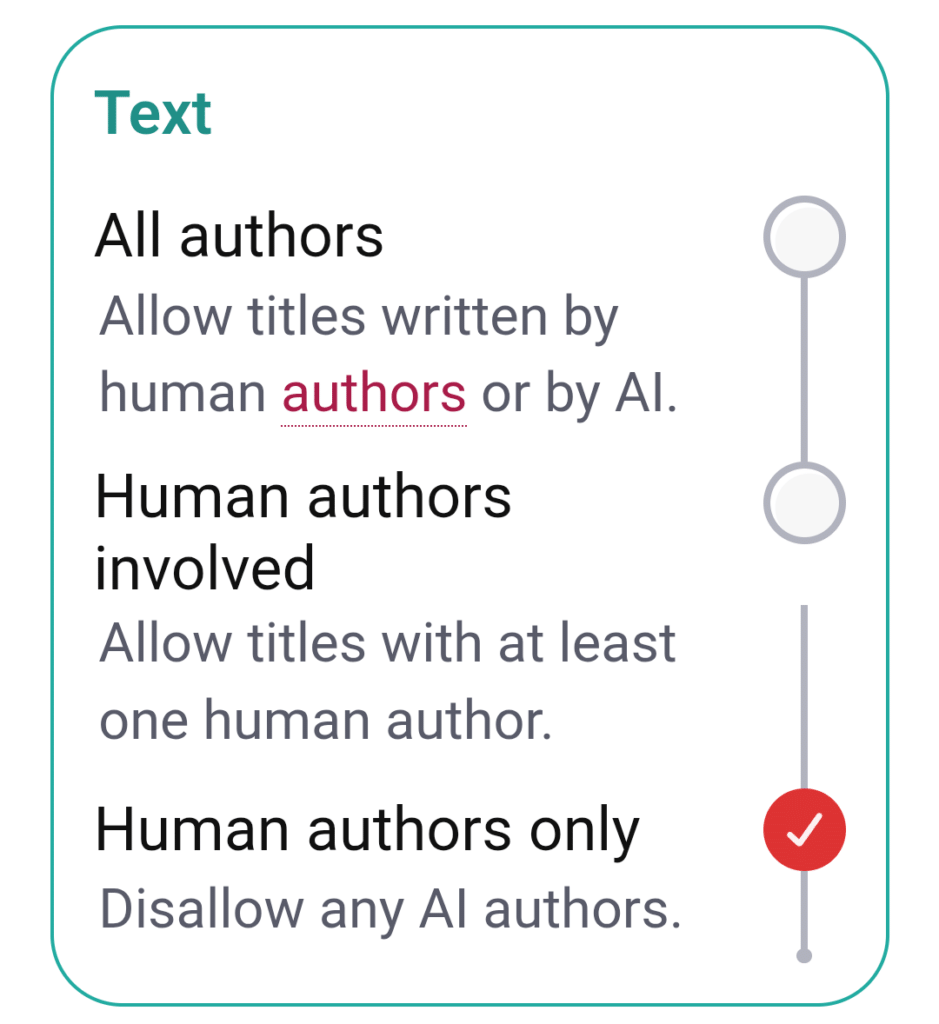
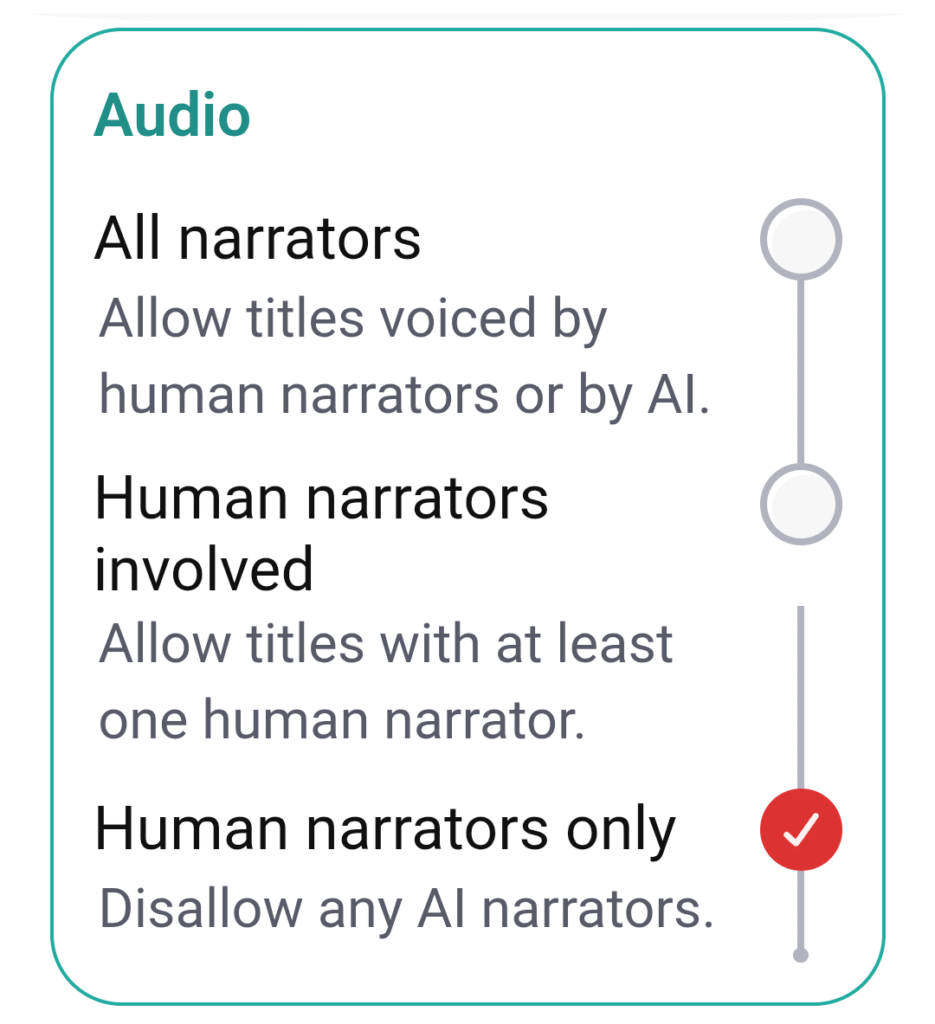
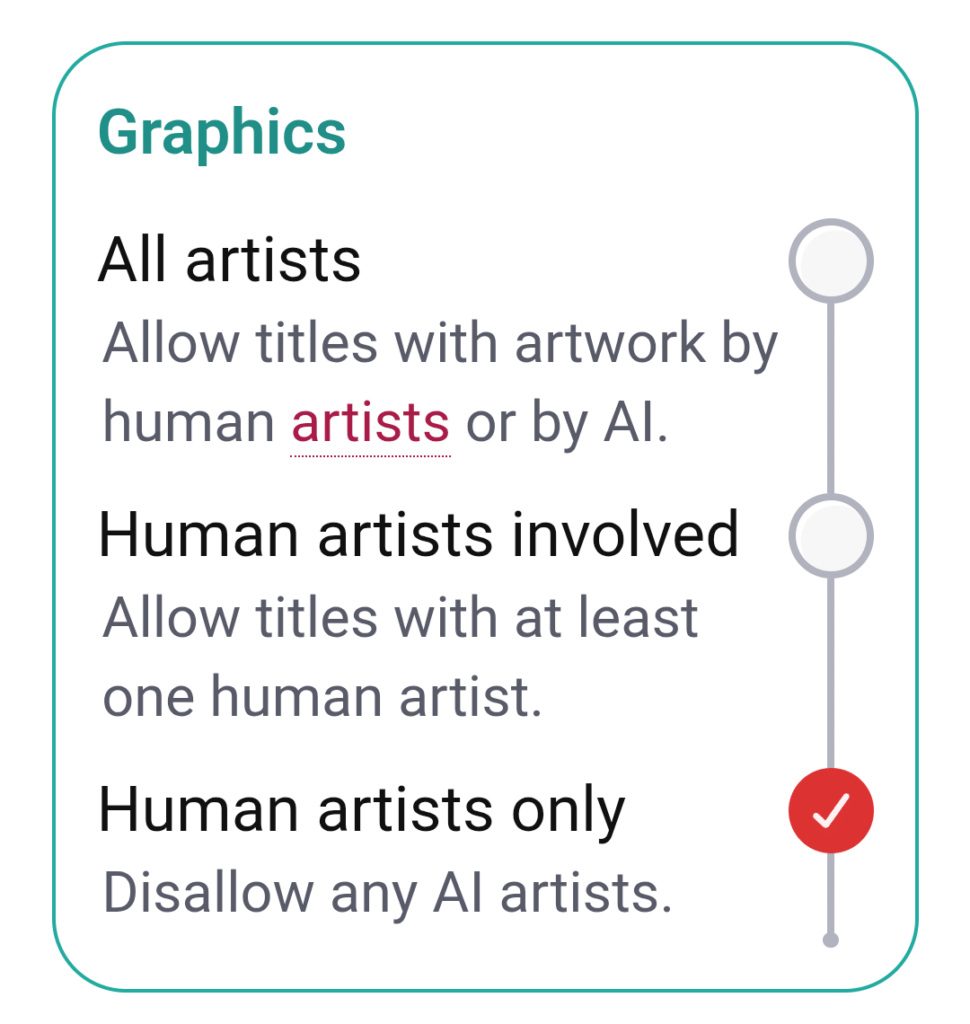
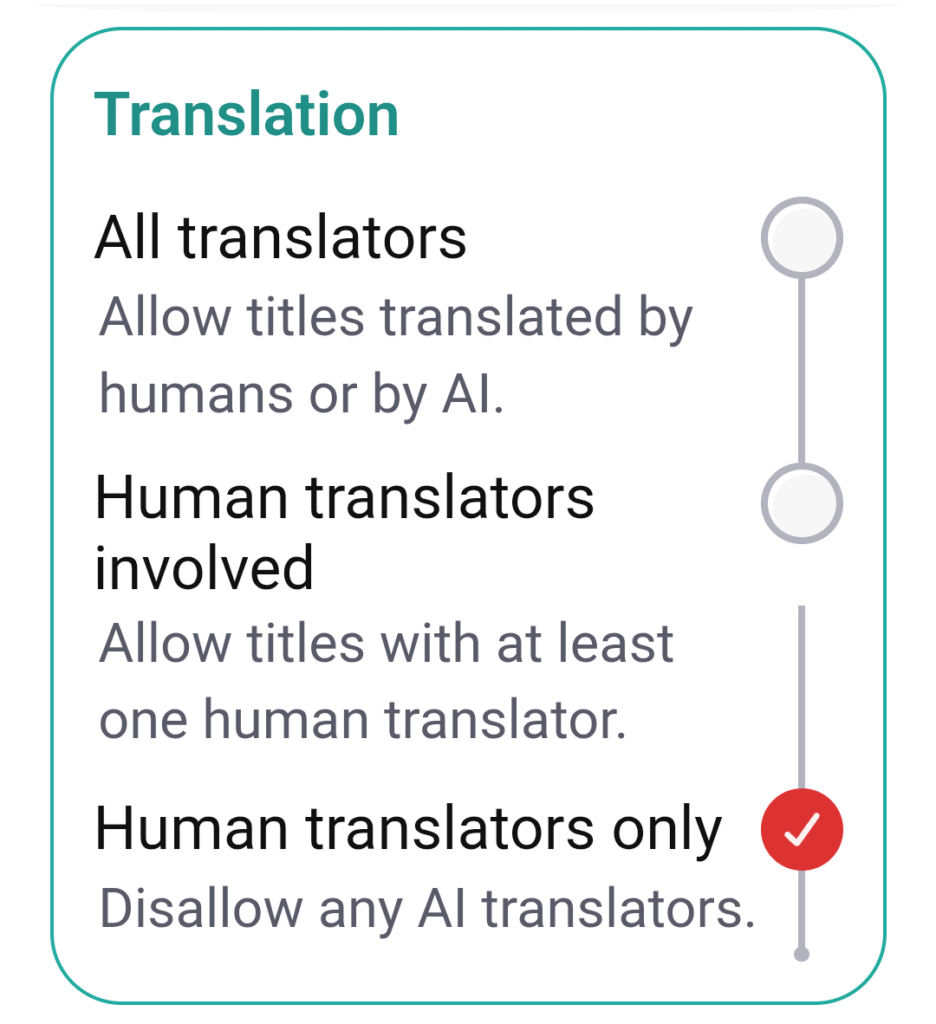
And you’re done! Check out our other posts about Libby for more information about the service and how to use it.