
If you want to build your family tree, a free, robust tool called FamilySearch can help. To search multiple generations or save a family tree, you will need to sign up for a free account. You can create an account using Google, Facebook, or Apple credentials, or your email and password.
Searching and Browsing
On the home page, you can search for an ancestor using the form on the right.
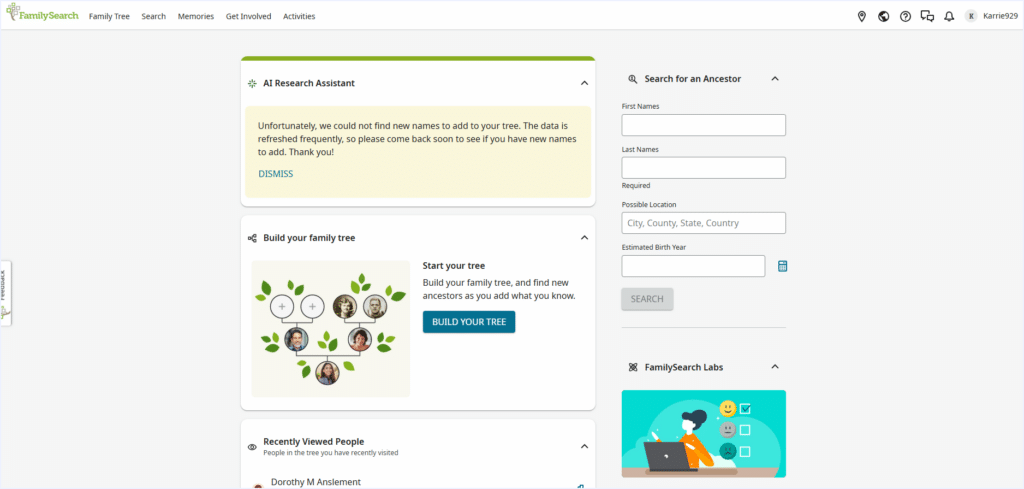
Note that the “possible location” field indicates birthplace. If you do not know your family member’s birthplace, skip it on the form and use the filters on the next page for places lived.
The more information you have, the more relevant your search results will be.
I clicked a name in the results for more details. Your “person” page has links to parents and children if the information is already in the database:
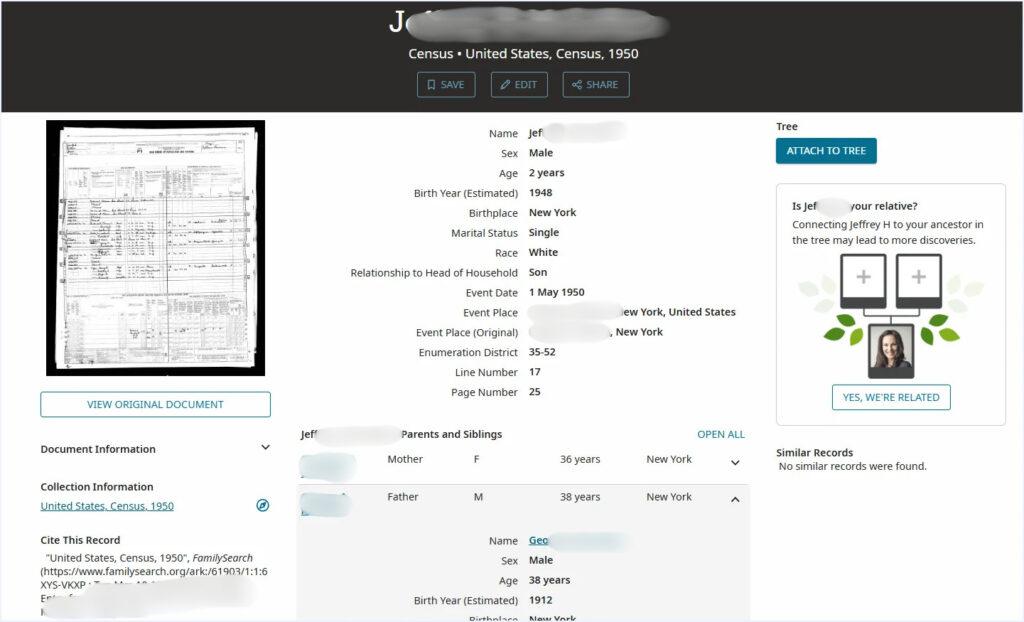
Keep in mind that records may include duplicate or incorrect information. Be sure to double-check for accuracy and links to your particular family.
Click on one of the parents below your information. Then click a name on the right side of the parent’s detail page, and you can click to open your family tree:
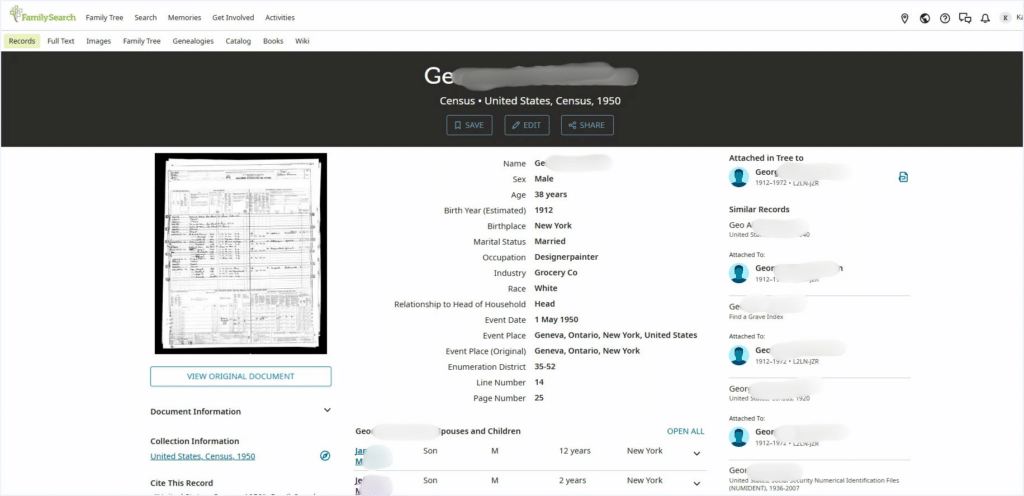
Click on his name, then the “tree” button:
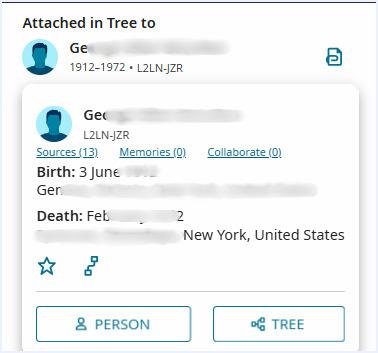
On the tree page, you can scroll back through generations. After a few generations, you may need to click the up arrow to see more. If there is an arrow to the right or left, you can see siblings
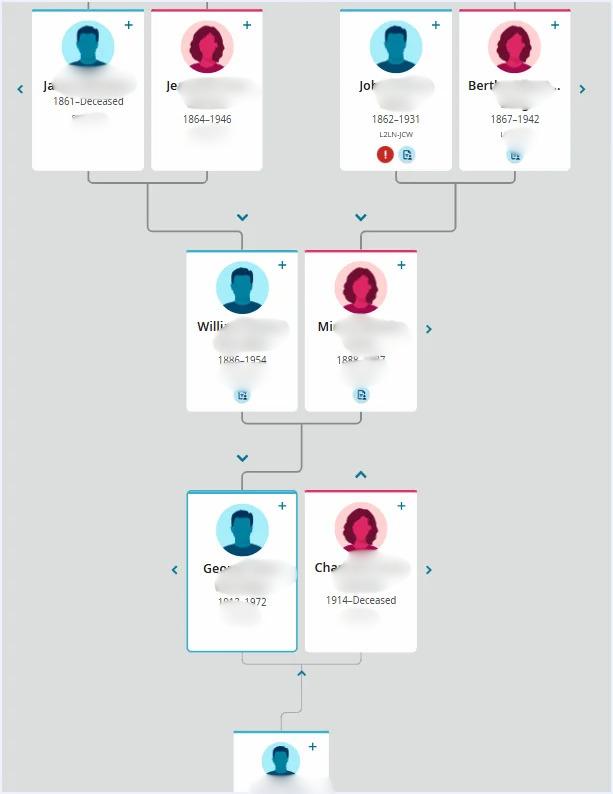
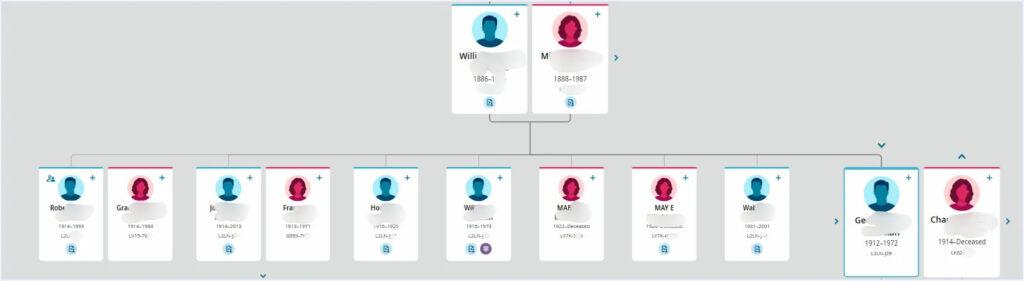
Click on any name to get more information.
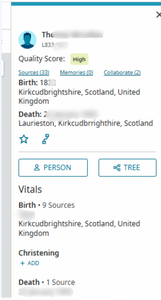
Click on “person” for more details.
Return to the tree view using the top menu, or browse the second menu for additional categories of information.
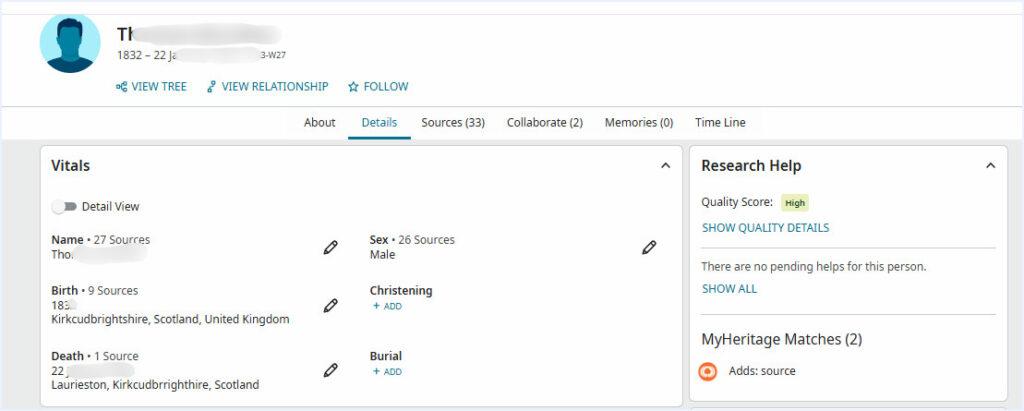
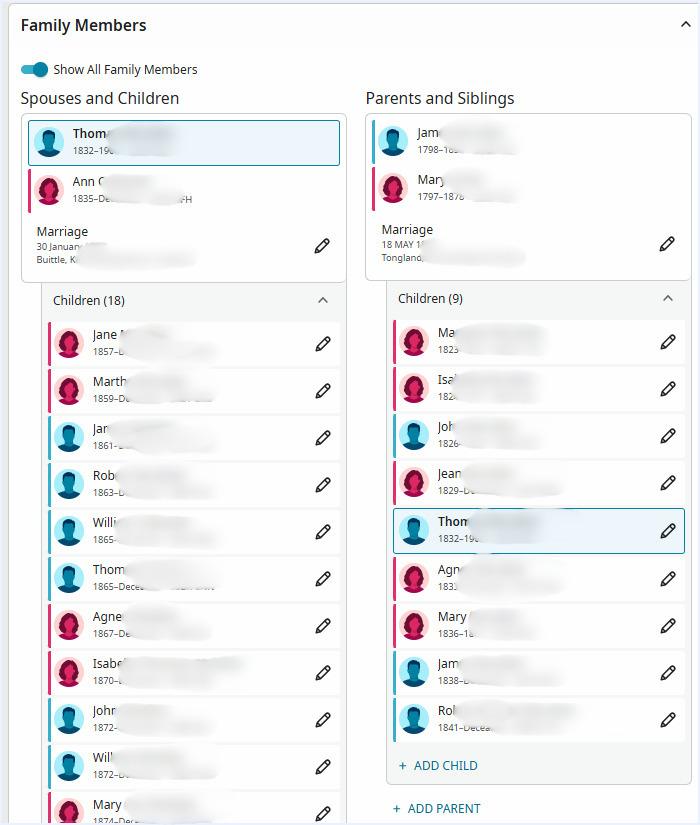
If you scroll down to the bottom of the details tab, you can see a list of parents, siblings, and children from the tree view in one place:
Adding Family Information
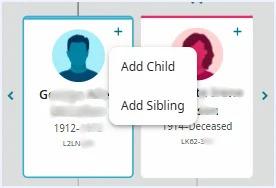
To add yourself (or other relatives you may know), click the + on a parent to add a child or the + on Jim to add yourself as a sibling.
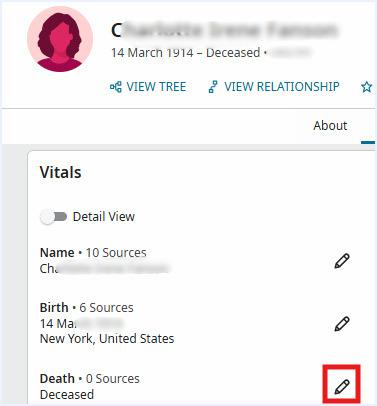
If you want to edit an existing entry, click on the person to get to their person detail page. Then click the pencil to edit the field.
When I was on FamilySearch, I saw that the same person had made many edits to our family pages. I got all excited, thinking they were a member of our family. Then I clicked on “bwh” in the byline, and it looks like they are from the FamilySearch team, not a member of my family.
But I found another record edited by a person with a username I recognized as a family member.

Family Surname Search
In addition to finding specific relatives, you can also find out more about the meaning and origin of your surname. Click “Activities” in the top menu, then “Surname Origins.”

Enter your name in the search box on the next page. The information includes where your surname is most common worldwide, samples of people with the same last name, and sample documents.
Summary
FamilySearch is a full-featured, free genealogy tool. In my case, it led me not only to several generations of ancestors, but also to other informational pages where I learned my family has an ancestral castle in Scotland. How cool is that? You never know what you’ll find once you start exploring.
My only caveat? Beware the rabbit hole. I spent much more time on FamilySearch than I intended while researching this story.