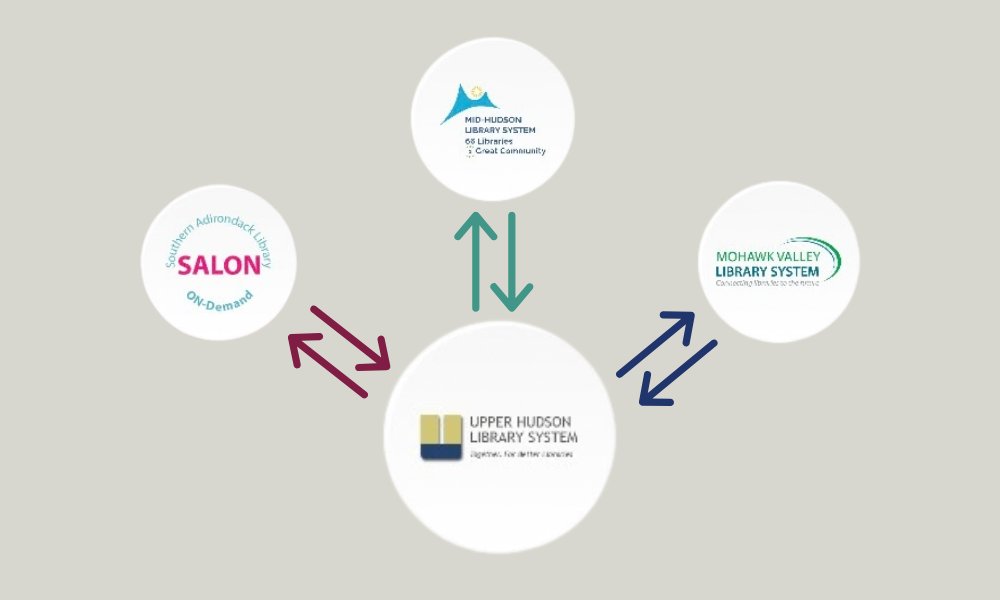
The Upper Hudson Library System, of which our library is a member, recently partnered with Senior Planet to provide classes and tech help. While the focus is on older adults, Senior Planet classes and other benefits are available to all of our patrons.
What Is Senior Planet?
Senior Planet, affiliated with AARP, is a vibrant community of older adults who are embracing technology and continuing education to thrive. While Senior Planet offer curricula to licensed partners for teaching classes of interest to older adults (and training on how to do so), they are primarily an online hub of help and resources.
They offer classes live online as well as videos, podcasts, articles, and on-demand learning. There are quizzes and games available to test your knowledge and a tech terms glossary for reference. But my favorite feature deserves its own line:
Senior Planet has a toll-free tech help hotline that anyone can call for assistance with tech-related issues. It’s available Monday-Friday from 9 am-8 pm and Saturday from 9 am to 2 pm. Just call 888-713-3495.
Create an account to view on-demand content and handouts from previous classes. Your account also adds bonus features like class recommendations and reminders. If you are interested in exploring the Community feature, you will need an account. However, many resources can be accessed without an account.
All of this is completely free for users.
Navigating the Website
The menu at the top of the website is the key to finding what you’re looking for quickly.
Classes
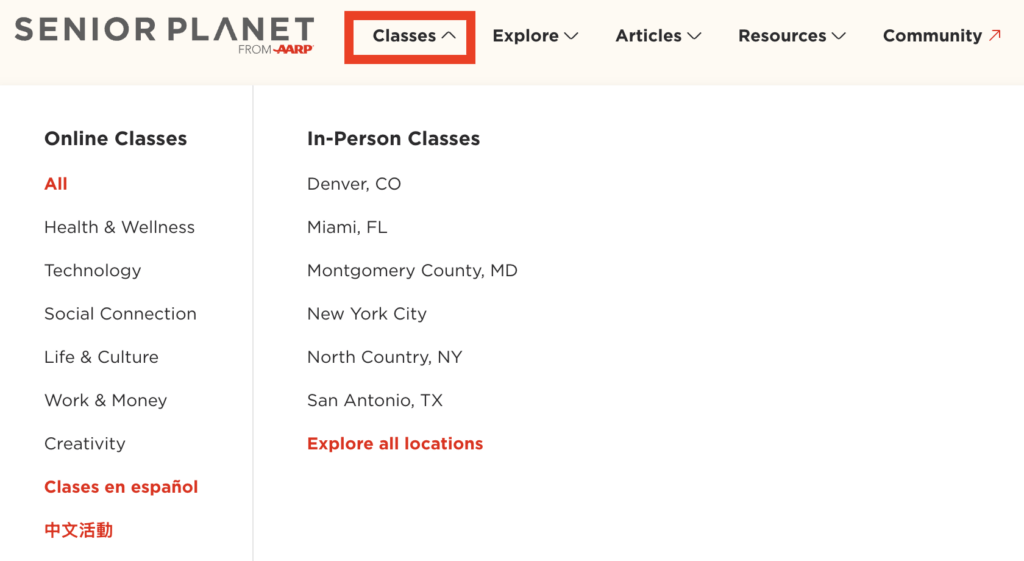
Clicking “Classes” reveals a list of popular online class topics, with options to see all topics and classes in other languages. Under “In-Person Classes,” you can select “Explore all locations” and then click the button to find a licensed partner on the map.

Enter your zip to see in-person classes offered locally. Alternatively, here is a link to all upcoming Senior Planet classes offered at this library.
Explore
If you know what topic you’d like to learn, but want to see all formats offered, try the “Explore” menu item.
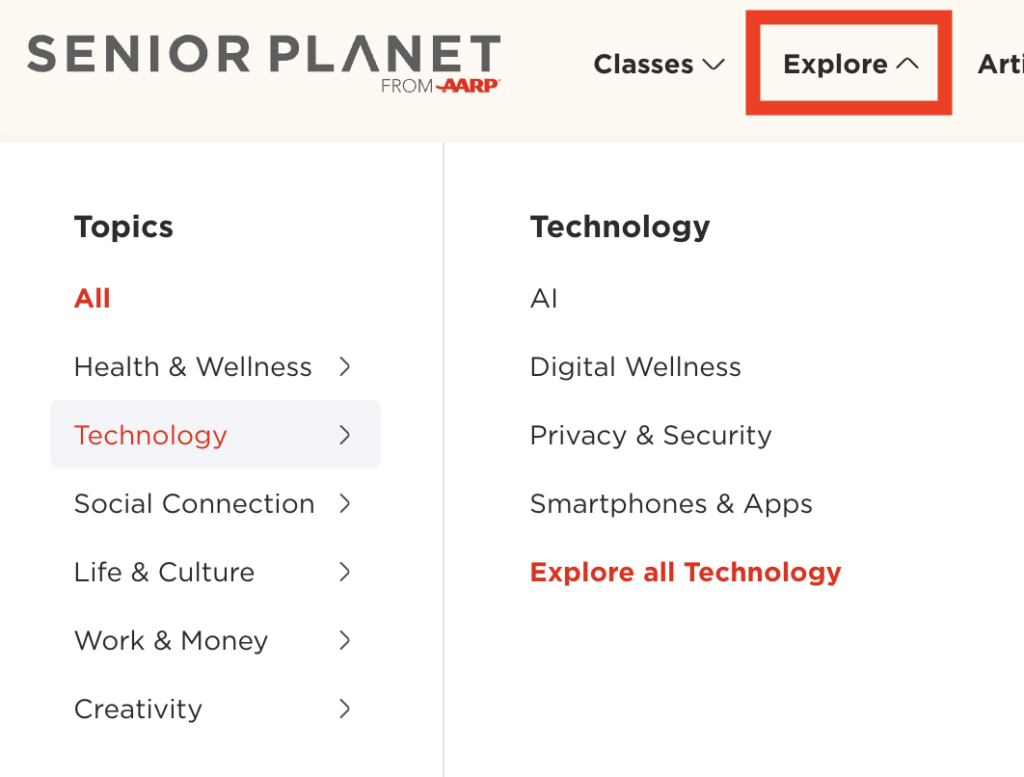
Select a listed topic on the left to see subtopics, or select “All” to see all topics.
Resources
The articles section is self-explanatory, so we’ll move on to “Resources.”
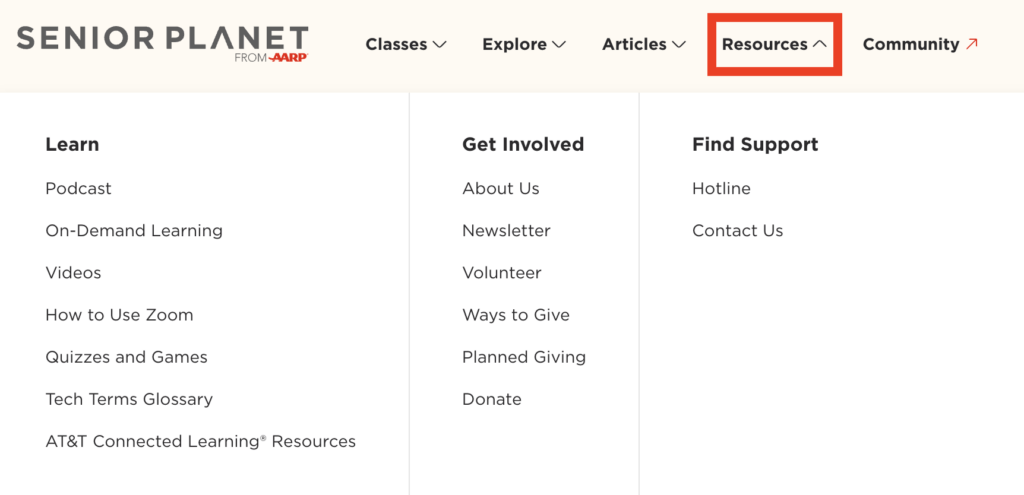
In the “Learn” submenu, you can find various learning formats, including videos, a podcast, full courses, and the quizzes mentioned earlier.
Community
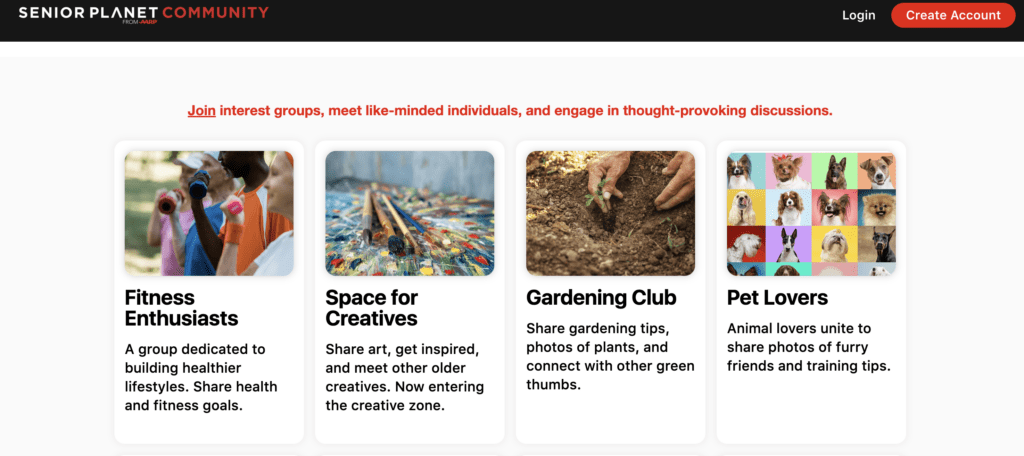
Community provides space for interest groups users can join to connect with others. It’s like social media, but without all of the toxicity – just good vibes. To use the community section, you’ll need a free Senior Planet user account.
Search
If you know what you want, but it doesn’t show up in the topics, you can use the search function by clicking the magnifying glass icon next to the sign-in button at the top of the page.
Your Senior Planet Account
It’s free and easy to create an account on the Senior Planet website. Use the “sign up for free” button at the top of the page and answer a few questions to fill out your profile. Most of the questions they ask are aimed at providing recommendations.
After you sign in, the “sign up for free” button will change into a button with your initials on it. Click that button to access your dashboard or log out.
The dashboard features your upcoming and past classes, as well as any content you’ve marked to save.
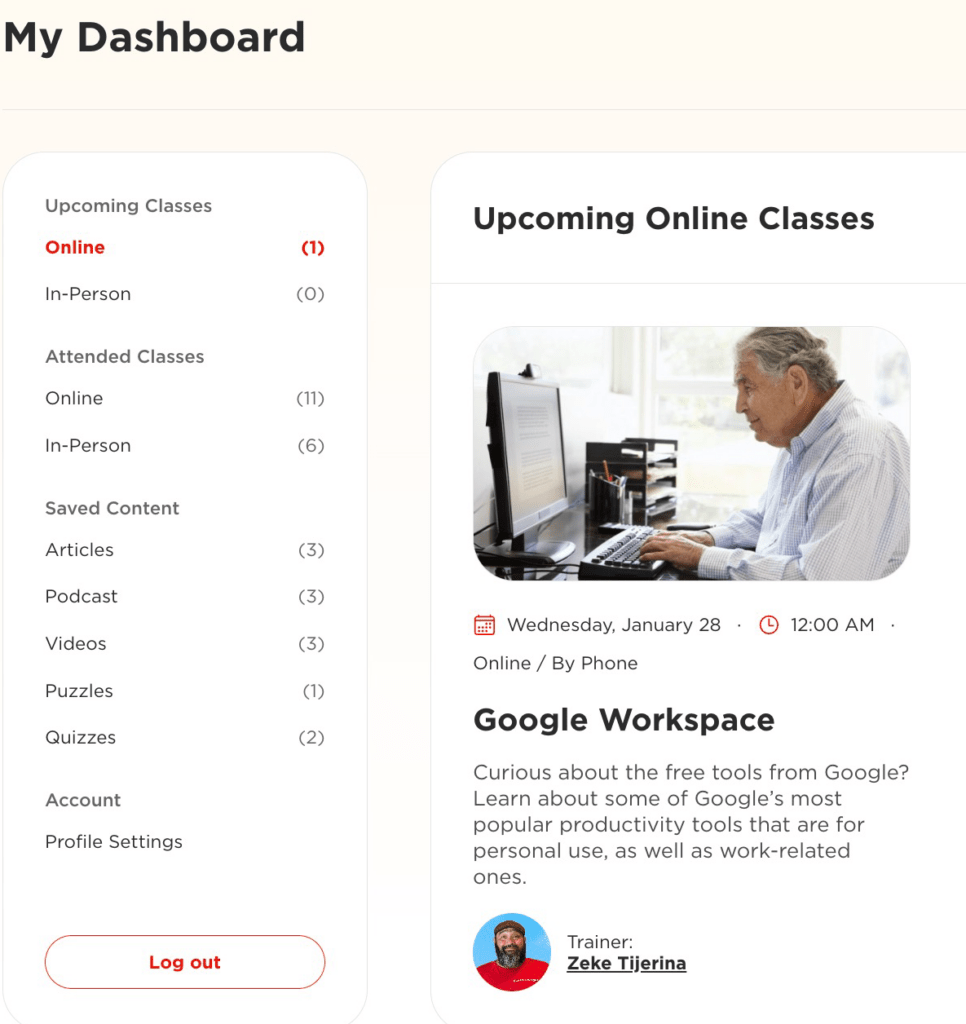
While signed in, you can use the following dashboard features:
- To set a reminder for an online class, use the “remind me” button on the class listing. Please note that registration and reminders for local, in-person classes are handled by the library’s event calendar.
- Click on a class you’ve already attended to watch the recording or access the handout.
- To save articles, videos, and other content to your dashboard, use the “Save” button next to the content.
- View on-demand videos by going to Resources>On-Demand Learning
Summary
Senior Planet provides access to classes, articles, videos, and other resources for users to learn about tech and beyond. They also have a tech help hotline for people who need help in the moment.