Most forms we encounter, from user surveys to help requests, are created using online form builders for ease of use and availability of data collection and reporting. In some situations, it’s more helpful to create a form that can be filled out on a computer but also printed well. Previously, I had accomplished this with a paid version of Adobe Acrobat.
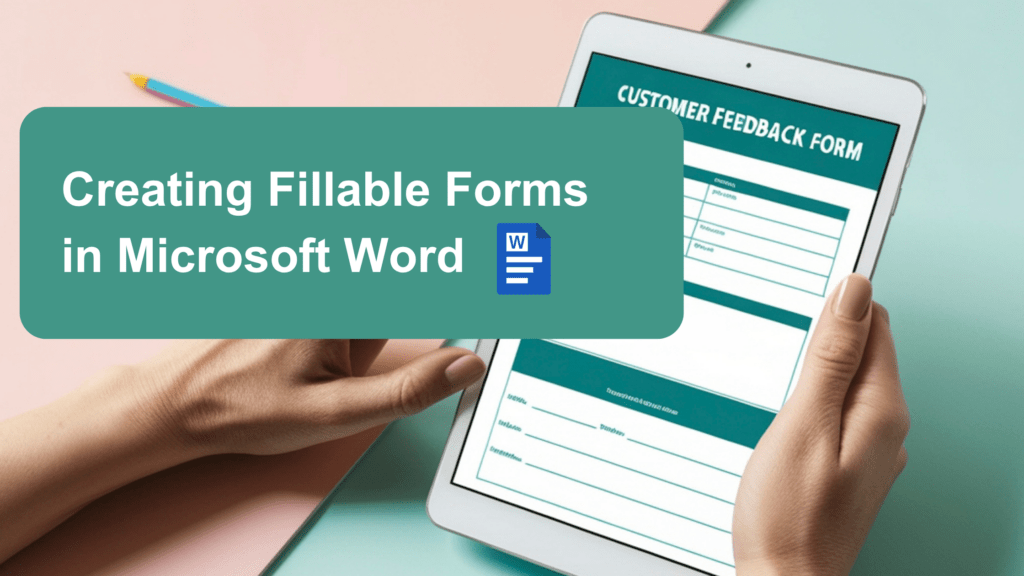
Recently, the Tech-Talk newsletter highlighted the ability to create fillable forms in Microsoft Word (desktop version only). There are settings in a hidden developer tab that let you limit responses and ensure that entered form responses won’t break the form’s formatting. This is a great option for folks who already have Microsoft Word and don’t need data collection and reporting features.
Because Tech-Talk already did such a great job writing an article about using Word to create fillable forms, complete with video instructions, I won’t try to reinvent the wheel here. Enjoy!