We no longer offer group classes for Microsoft applications, mostly because everyone who needs help with them has a different comfort level with the software. Invariably, some attendees were bored, while others were completely lost.
To bridge the gap, we point people to self-directed resources that can be found online or printed easily. For patrons who absolutely need a class, we recommend checking the calendar of classes offered by the Capital Region Workforce Development Board.
Microsoft Guides Online
Tech-Talk
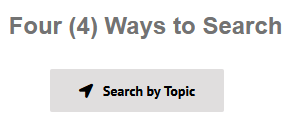
Our top recommendation is Tech-Talk.com. The library pays for this resource to provide patrons with quality tech training when and where they need it. The username and password are both colonie (all lowercase). Click on the button pictured below to search by topic:
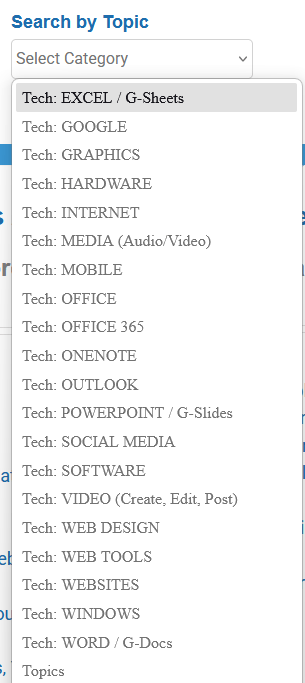
Click on the “select category” field. For articles, videos, and webinars about Microsoft products, try the following categories:
A bonus feature of Tech-Talk is the ability to ask the staff at Tech-Talk for help. If they don’t already have a resource for you, they will find or create one.
Microsoft
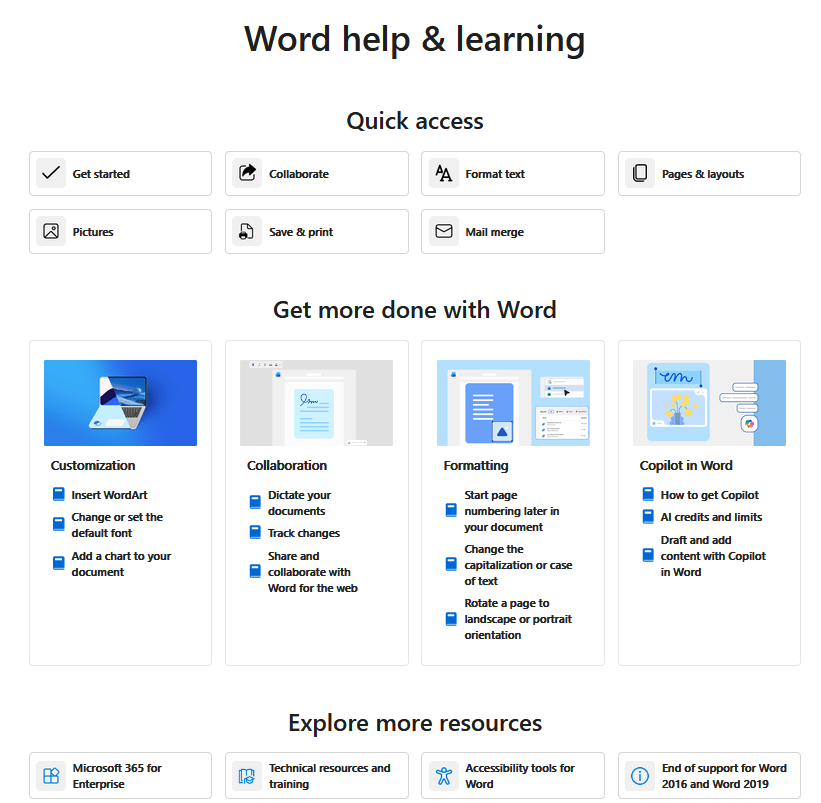
Microsoft has posted guides on their Help and Learning page. There you will find guides for Copilot and Microsoft 365 apps.
After clicking on a guide subject, you will see the information on that topic broken up for easy access. Here is a screenshot of the Word guide page:
The Microsoft for Education page offers several “Quick Start” downloadable guides for a variety of apps and functions.
If you prefer video training, try these Microsoft video tutorials.
Other Sources for Guides
If the guides you’ve seen so far aren’t quite what you’re looking for, here are some other places that have put guides together:
- Northern Idaho College: Microsoft Office Quick Guides
- Custom Guide: Microsoft Office cheat sheets
- LearnFree (click Explore in the menu to see Microsoft Office topics)
If you’re looking for help that is more robust than a guide, we also have books in our nonfiction section that may help.
Summary
While the library no longer offers classes teaching Microsoft apps, the resources above should help fill that gap. If you’ve tried all of the guides and you still need help, stop by our Information Desk. If we can answer your question, we’ll help you book an individual appointment with someone who can.